Mark the part you want changed
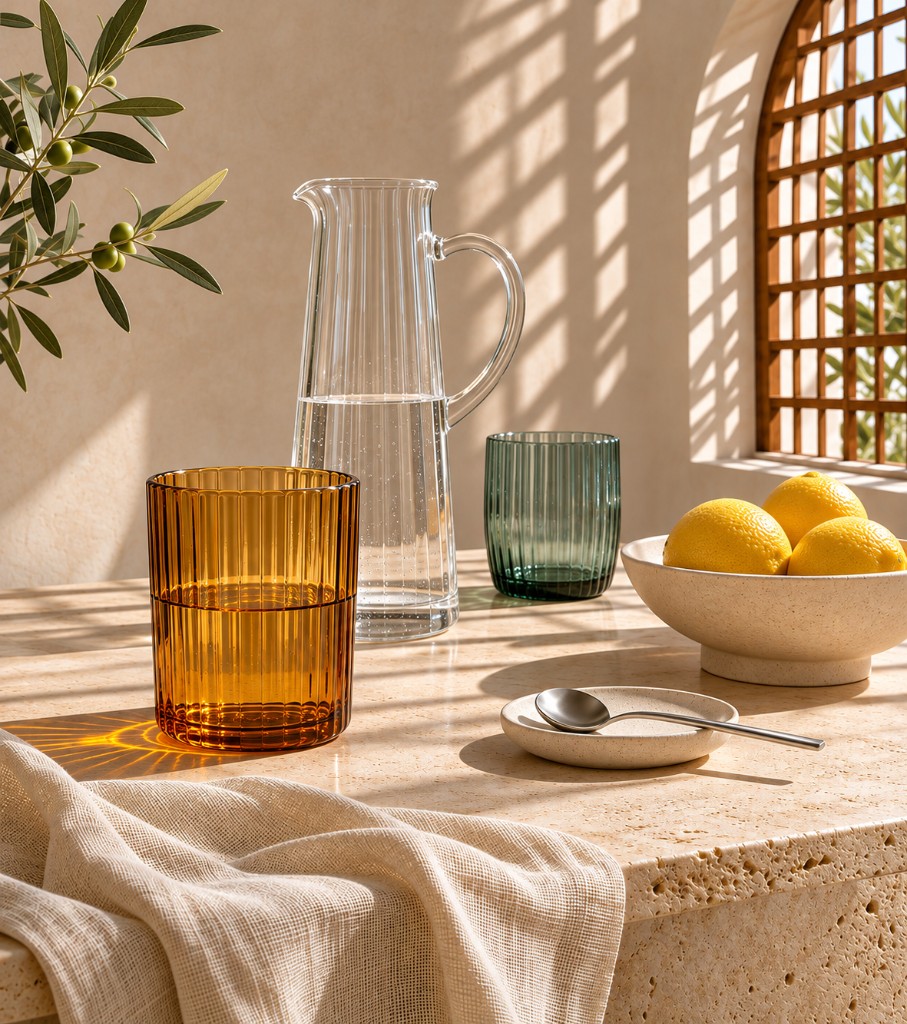
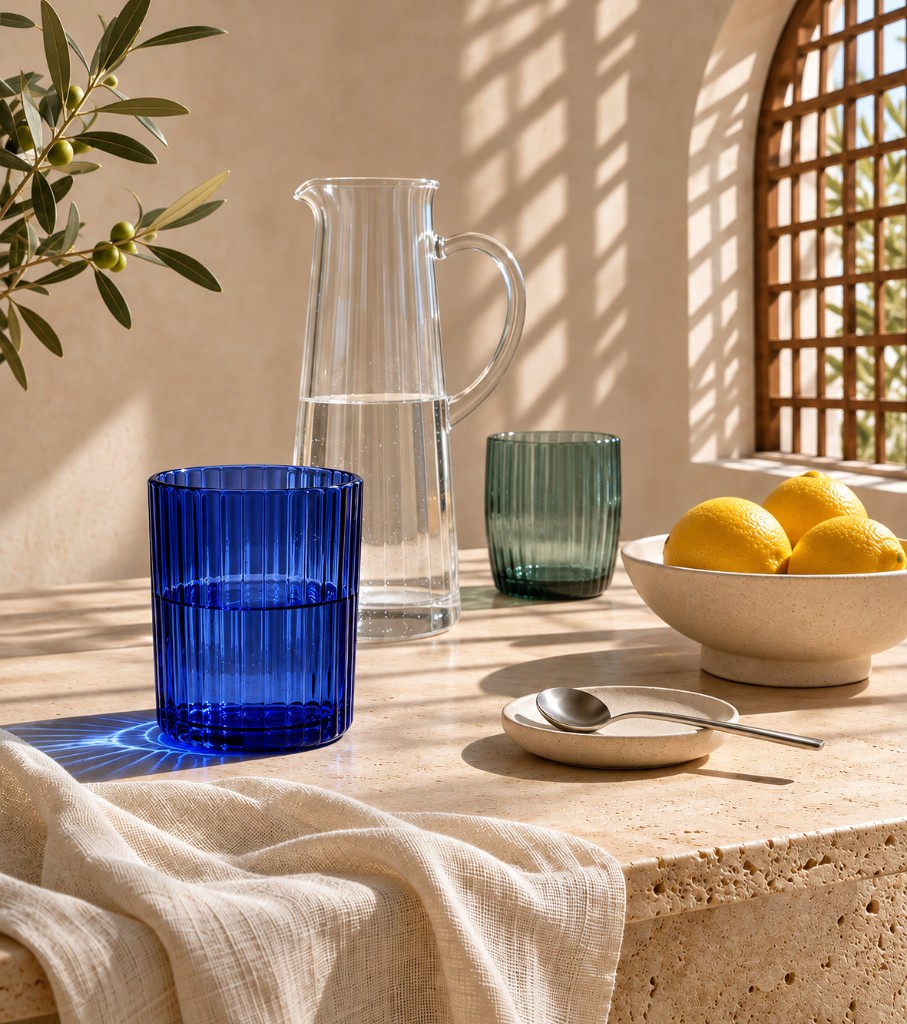
The tumbler goes from amber to blue. The pitcher, the lemons, the cloth, and the window light stay. SVG is a separate export, for a logo or an icon.
4 November 2026 · ChatGPT Image 2.6, Codex, and the API
The box below is a GPT Image 2.6 image generator. Describe a poster, a product, or a character and get a file back. A later edit can keep the same character, product, and brand details.
Four changes from the 4 November announcement. This is a short reading of that post, not the post itself. Read Introducing Images 2.6.
The tumbler goes from amber to blue. The pitcher, the lemons, the cloth, and the window light stay. SVG is a separate export, for a logo or an icon.
GPT Image 2.6 is about 50% faster than the previous image model. Flare, at low quality, can return a picture in about six seconds. It is also stronger on posters and product layouts.
The GIF tab is a GPT Image 2.6 GIF generator. Use it for a mascot wave, a reaction, or a product that turns and settles. This page asks for 9 frames at 200 ms.
Quality sets the detail. Complexity sets how much planning the model does. For most edits, start at low complexity. Raise it when the picture has many parts.
These are GPT Image 2.6 prompt examples and sample results. Click one. The words land in the box, and you can change them before you generate your own.
In ChatGPT, in Codex, or in the box on this page. Pick the job, then write the picture you actually want.
A poster, a product shot, or a scene. Flare is the quick way to see if the idea works.
A short loop for a feed. Coco Mao at OpenArt calls GIFs the language people already post.
Watch a character move before anyone books a video shoot.
Turn one product photo into a clip for an ad or a product page.
Flat shapes, wide margin, ready to scale. Skip texture if you need a clean file.
A rough drawing is enough. GPT Image 2.6 can turn it into a character you can reuse.
From the announcement. They are talking about the model, not about this site.
“GIFs are the native language of social media, and GPT-Image-2.6 lets every OpenArt creator speak it fluently from a single prompt.”
“GPT-Image-2.6 brings speed and creative control together, helping you generate and edit images while preserving the details that define a character, product, or brand.”
Low complexity is the right first edit. Move to medium or high only when the picture has many parts or a strict brief. Quality is still what makes it sharp.
Sunburst holds character, product, and brand details more steadily at medium or high quality. Use it when the second picture has to look like the first.
OpenAI reports 4 billion images a week across ChatGPT, Codex, and the API. That is their number, not a count from this site.
Flare when you want the picture fast. Sunburst when the next edit should still look like this one.
Image, GIF, or SVG. Then write the subject, the setting, and what must not change.
How do I use GPT Image 2.6 to generate and edit images? Generate first. Then mark the spot. Leave the rest of the picture alone.
How can I integrate the GPT Image 2.6 API into my website? Call the images endpoint with GPT-Image-2.6 Flare or Sunburst. This page does that when an API key is set. Complexity has no separate price. Quality is what changes the detail.
GPT-Image-2.6 Flare
The faster model. At low quality it can generate in as little as six seconds, and it is better at posters and product photos.
GPT-Image-2.6 Sunburst
The more detailed model. Higher image quality, and more consistent edits at medium or high quality.
Monthly credits, and you can stop whenever you want. A Flare image uses 1 credit, a Sunburst image uses 4, fine detail uses 8, and a GIF uses 10. Where can I try GPT Image 2.6 for free? In ChatGPT, on every plan. Image26 plans are the paid path on this page.
$9.9 / mo
200 credits every month
$19.9 / mo
500 credits every month
$49.9 / mo
1,500 credits every month
ChatGPT and Codex are the official ones, worldwide since 4 November 2026. Image26 is an independent page for the same models. It generates when your API key is set. Image26 is not affiliated with OpenAI. Read the full note.
ChatGPT already had markup. The API has it now, so you can point at one area. The mark is a transparent PNG the same size as the photo, on the first image only, and it cannot be combined with a mask. The box on this page sends the prompt. Read the full note.
ChatGPT, and the GIF tab here. Ask for a loop that returns to the first frame. OpenArt’s examples were two six-frame office scenes: one chart falling, one chart rising. Read the full note.
Use the SVG tab. One file, no texture, enough margin to drop onto a website, an app icon, or a printed page. Read the full note.
Yes. The pictures above are the samples. Click one and the prompt is ready to edit. Change the subject before you generate, so the result is yours. Read the full note.
Write a short description. Get an image, a GIF, or an SVG. Plans start at $9.9.
Generate